

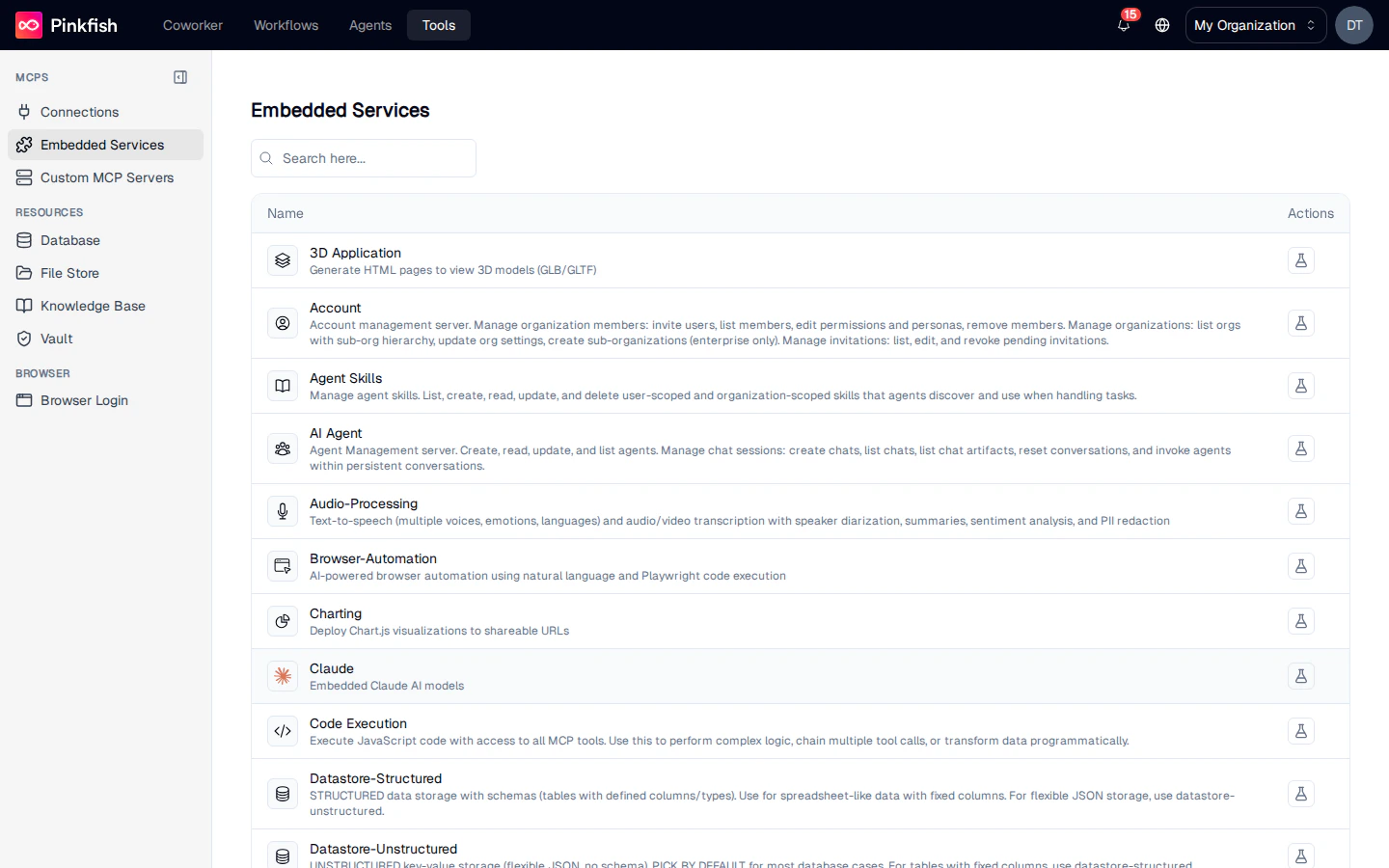
What’s Available
Embedded services are grouped by what they do. The exact catalog in your org depends on plan and feature flags; the common set includes:
Each row shows the service’s display name, a description, and a Test MCP tools action.
For the full reference of every tool each service exposes, see Embedded MCP Servers.
Testing a Service
Click the flask icon on any row to open the Test MCP dialog. The left panel lists every tool the service provides; the right panel renders a form generated from the tool’s input schema.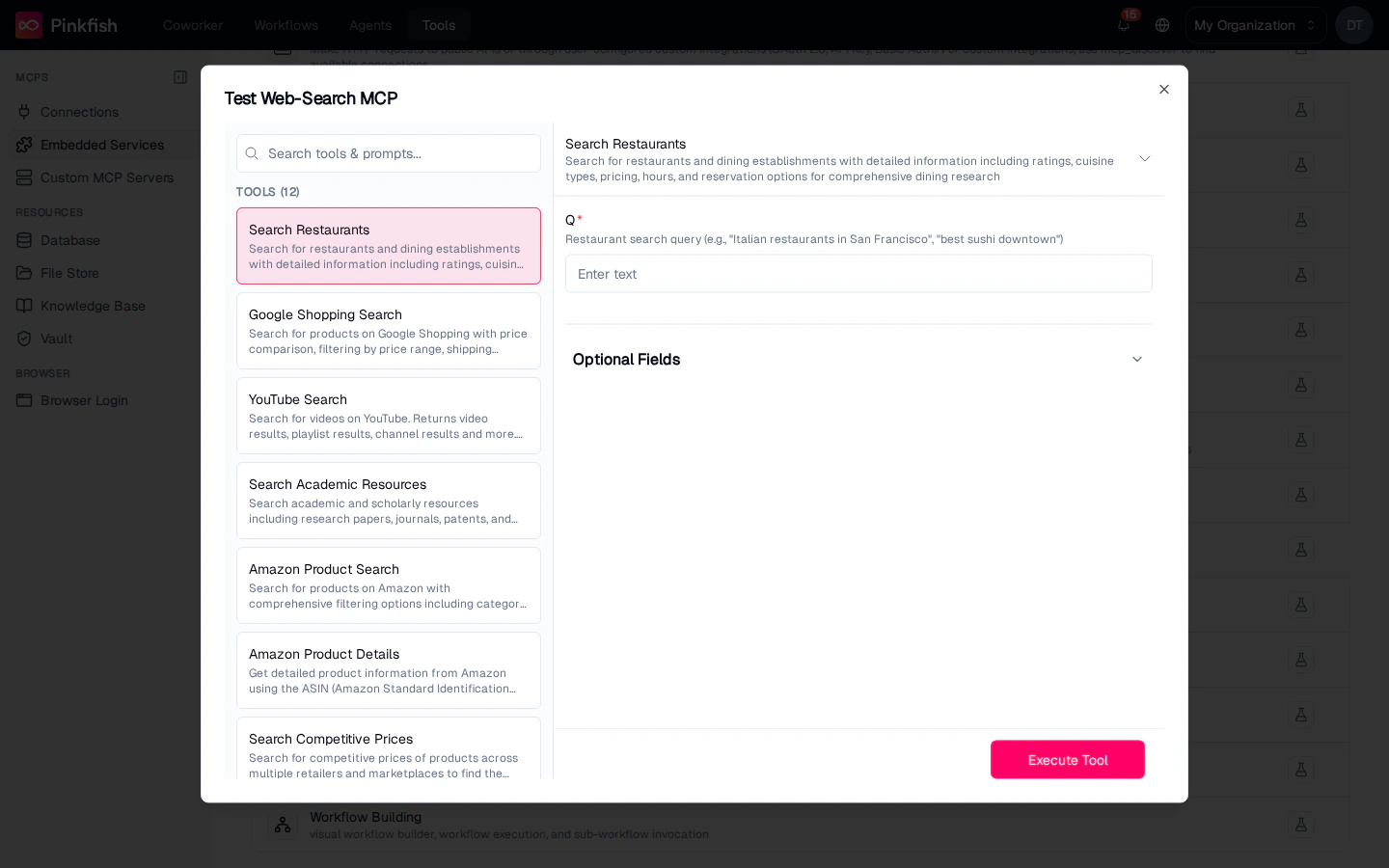
- Select a tool on the left (e.g. Google Web Search).
- Fill in the required parameters (e.g.
query) and any Optional Fields. - Click Execute Test.
- Inspect the live response in the result panel below.
Using Embedded Services in Agents and Workflows
Embedded services are available to every agent without wiring. Reference them by name in the agent builder’s tool list, or invoke them from a workflow step. Because they’re always on, you don’t need to pick a connection at call time — just pick the tool. For details on each service, open the Embedded MCP Servers reference.Notes
- Embedded Services requires the Builder role to view from the Tools page.
- The catalog is curated by Pinkfish; new services appear automatically as they’re released.
- Services like Vault and Knowledge Base operate on your own resources — test calls operate on real data, so treat them with the same care you would in a production workflow.