

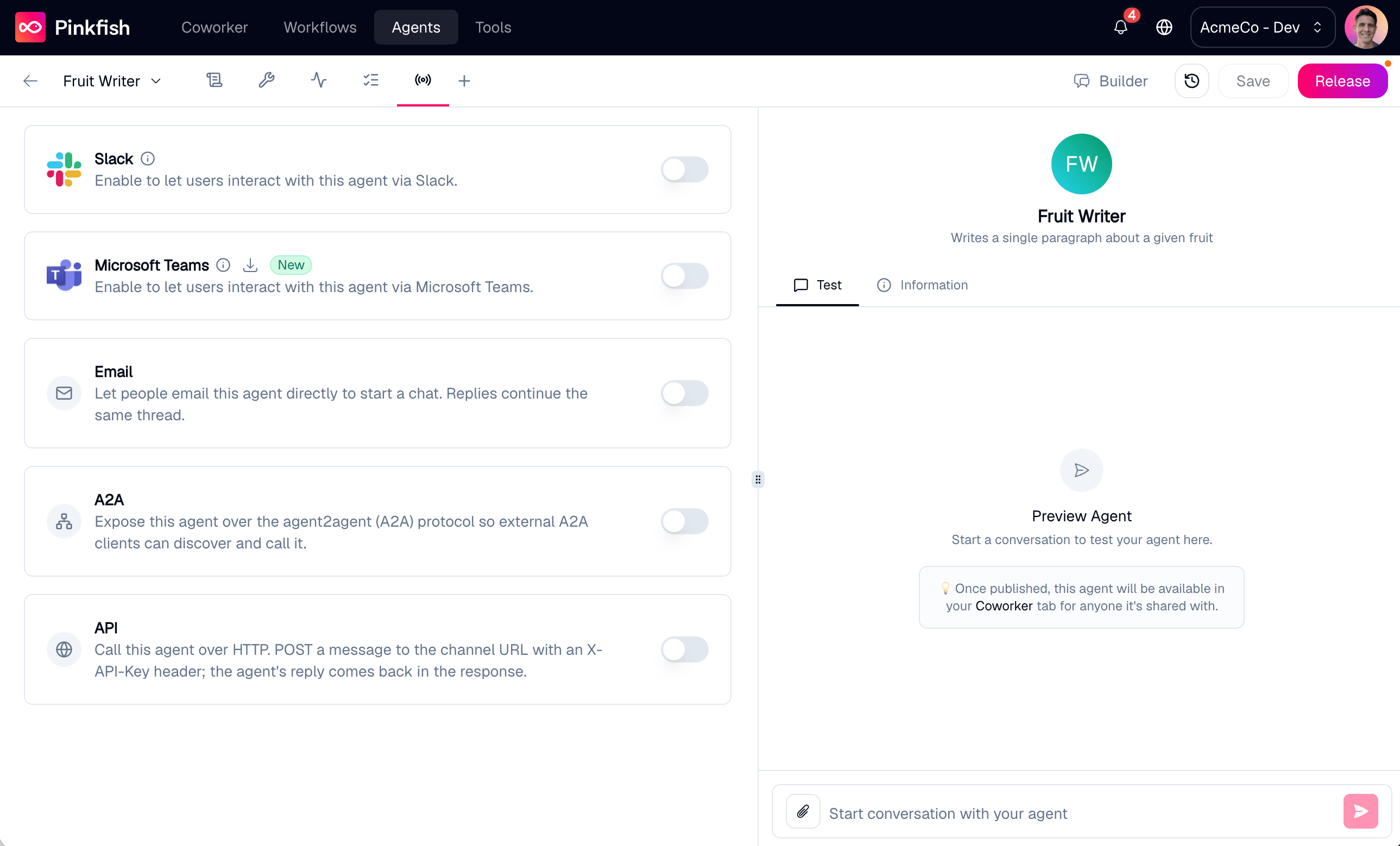
Available channels
Slack
@-mention or DM the agent from Slack on desktop, web, or mobile. Enable per agent or org-wide.Microsoft Teams
Message the agent from the Teams chat surface. Conversations sync back to Coworker.
API
Call the agent over plain HTTP — POST a message with an
X-API-Key header, get the reply back.A2A
Expose the agent over the open agent-to-agent (A2A) protocol so external agents can discover and call it.
Every agent is also reachable from Coworker, the default web channel — it’s always on and isn’t a toggle on this tab.
Before you enable a channel
- Save first. New agents must be saved at least once before a channel can be enabled. Toggling a channel on an unsaved agent pops a Save agent first modal.
Channel behavior at runtime
When a channel is enabled, Pinkfish maps each conversation there back to an agent chat. Thread context is preserved: a Slack thread, a Teams reply chain, and a Coworker chat each become their own conversation record the agent sees in sequence. The programmatic channels carry the conversation handle explicitly — the API channel viachatId and A2A via contextId — which you pass back on each call to continue a conversation.
Org admins can opt individual agents out of org-wide channel enablement via the Agent Management API. For most users, the per-agent toggles on this tab are all you need.
Related
- Save & Release — what Save does; an agent must be saved once before a channel can be enabled.
- Coworker — the default web channel, always on.
- Agent Management API — create, manage, and invoke agents programmatically.