

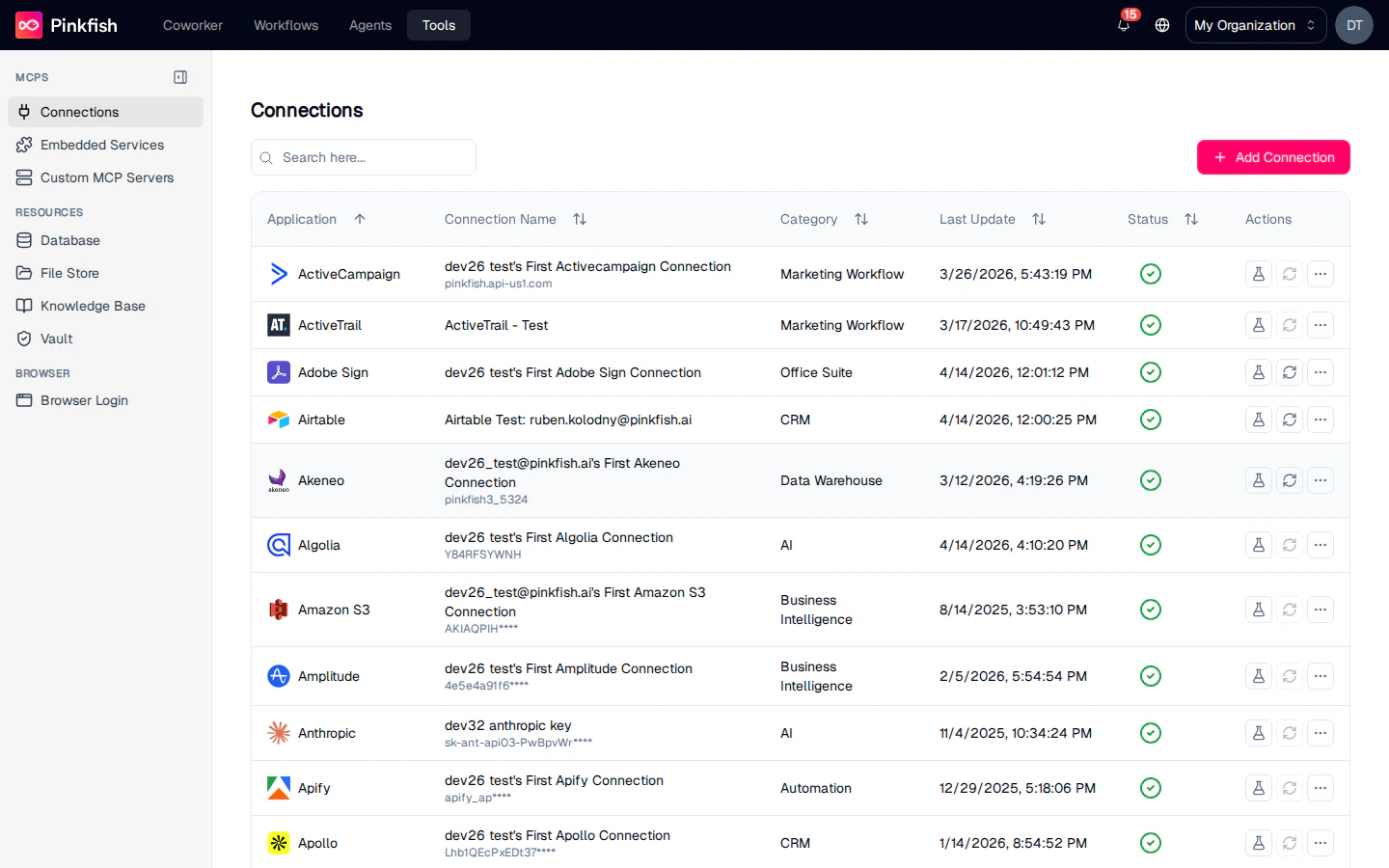
How Tools is Organized
The left sidebar groups everything into three categories. Each item in the sidebar is its own feature with its own page.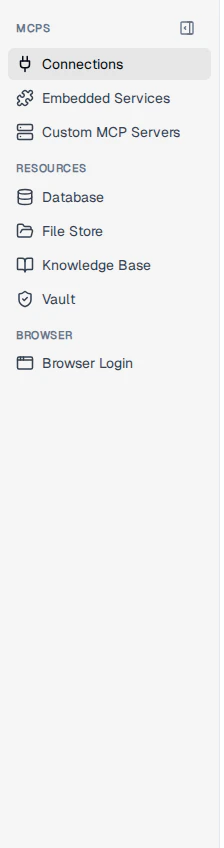
MCPs
Everything an agent calls as an MCP tool — connected third-party apps, Pinkfish’s built-in services, and custom MCP servers your org has registered.
Resources
Structured and unstructured data your agents read from and write to — databases, file stores, knowledge bases, and secret vaults.
Browser
Authenticated browser sessions for services that don’t expose an API.
MCPs
Every tool an agent can call is exposed as an MCP (Model Context Protocol) server. This category has three dedicated pages:Connections
Third-party app integrations (Salesforce, Slack, Google Sheets, and hundreds more) plus the flow for building your own custom integration with OAuth, API Key, or Basic Auth.
Embedded Services
Pinkfish’s built-in MCP servers — web search, charting, email, code execution, document processing, and more. Always available, no setup.
Custom MCP Servers
Remote MCP servers you register with your org so their tools join the agent catalog alongside connections and embedded services.
Resources
Resources hold the data agents work with. Each resource is organized into collections that you can share, reference from workflows, and version.Database
Structured tables with schemas (customers, orders, inventory), and unstructured document stores for semi-structured payloads.
File Store
Unstructured file collections for documents, exports, uploads, and generated artifacts.
Knowledge Base
Indexed document collections that agents can query with natural-language retrieval.
Vault
Encrypted storage for API keys, passwords, and other secrets, referenced from workflows without exposing raw values.
Browser
Browser Login
Saved browser sessions for services that don’t offer an API. Once stored, workflows can drive the
/scraper and /browser session skills against them.Who Sees What
The Tools page respects role and plan:
Shared items (connections, collections) show a small “Shared” indicator next to the name regardless of category.
Next Steps
- Start with Connections to wire up your first third-party app.
- Spin up a Database or Knowledge Base to give your agent something to read and write.
- Review Embedded Services for the capabilities that ship with Pinkfish.